
Comparison
Tiny Scanner alternatives for iPhone
Tiny Scanner’s App Store page lists Premium plans by the week from $4.99 to $9.99, by the month and by the year. Alternatives depend on why you’re leaving: Notes and Files scan for free; Genius Scan’s Basic plan is free with no watermark; TurboScan Pro costs $12.99 once and collects no data; Adobe Scan works across phones and the web; and Scanner One, our app, reads every page free with no account, but labels shared pages on its free version.

Scanner One is our app and is one of the alternatives below, with its limits stated. Facts about other apps come from their own App Store pages and developer sites, read on November 13, 2026.
This page compares apps you could move to from Tiny Scanner. For Tiny Scanner and Scanner One alone, side by side, see Scanner One vs Tiny Scanner.
What Tiny Scanner offers, and what it costs
Tiny Scanner, from TinyWork Apps, packs a lot in. Its App Store description lists automatic border detection, batch scanning, ID and passport modes, QR codes, measuring, counting objects and a math solver, plus signing, merging and splitting PDFs, OCR, conversion to Word and Excel, AI summaries, encrypted folders and cloud sync.
The price list is where people pause. The US App Store lists Premium Plan Weekly at $4.99, $5.99 and $9.99, Monthly at $4.99 and $6.99, and Yearly at $19.99 and $49.99, with Premium Reward plans and a $4.99 Upgrade to Tiny Scanner Plus. The description says weekly and annual subscriptions are available and renew automatically. The privacy label lists Usage Data as used to track you. The latest version shown is 8.16.8, from September 13.
What to ask before you switch
- Do you pay by the week? Weekly plans add up fast. A free scanner or a one-time purchase may cost less over a year.
- Do you use the extras? Measuring, counting and the math solver are rare in other scanners.
- Do you need your scans on other devices? Tiny Scanner’s site describes cloud sync across phones, tablets and the web.
Whatever you pick, export your documents first and cancel the subscription in your App Store account, not by deleting the app.
Tiny Scanner alternatives compared
Checked on November 13, 2026.
| App | Price model | Free version | Text recognition | Other devices | Used to track you | Needs |
|---|---|---|---|---|---|---|
| Tiny Scanner (for reference) | Weekly, monthly or yearly plans | Not spelled out on the page | Yes, listed | Android, web | Usage Data | iOS 15.0 |
| Notes and Files (Apple) | Built into iOS | Everything | Notes search finds text in scans | Notes syncs with iCloud | Part of iOS | Already installed |
| Genius Scan | Free Basic, Ultra $39.99 a year | No document limit, no watermark | On device, in Ultra | Android; web in Genius Cloud | None listed | iOS 17.0 |
| TurboScan Pro | $12.99 once | Paid app | Not described | iCloud Drive backup | Data Not Collected | iOS 13.0 |
| Adobe Scan | Free, purchases $3.99 to $69.99 | OCR on up to 5 pages | Yes | Android, Acrobat on the web | Identifiers | iOS 18.0 |
| Scanner One (ours) | Pro comes monthly, yearly with a free week, or once for life. | Scanner One is free, with generous limits: scanning, clean PDFs and text search never stop. | Text recognition runs on every page for everyone, free or Pro. | iPhone and iPad | No account, no tracking | iOS 17 or later |
Each alternative, honestly
Notes and Files: the free baseline
In Notes, tap the Attachment button, then Scan Documents; in Files, tap the More button, then Scan Documents, and choose where to Save. Auto mode captures the page when it’s steady, and you can drag the corners before you tap Keep Scan. Apple’s article says iOS 26 adds flash and image filter options. Our step-by-step guide to scanning documents on iPhone covers both apps.
Pick the built-in scanner if Tiny Scanner was mostly for scanning and sending.
Genius Scan: free, unmarked, cross-platform
Basic is free and fully functional, per the pricing page, with no document limit and no watermark. Ultra, at $39.99 a year, adds on-device OCR, cloud exports and sync. Genius Scan is on Android too.
Pick Genius Scan if you want a free plan you can stay on.
TurboScan Pro: one price, no data collected
TurboScan Pro is $12.99 once, its label says Data Not Collected, and it runs on iOS 13.0 or later. It lists document detection, perspective correction, multipage PDFs, smart search and iCloud Drive backup. Its page doesn’t describe text recognition.
Pick TurboScan Pro if the weekly bills were the problem.
Adobe Scan: for people who live in Acrobat
Adobe Scan’s description says scans save to Adobe Document Cloud automatically, a subscription raises OCR from 5 to 100 pages, and scans export to Word, Excel or PowerPoint. Subscriptions work across Scan, Reader and Acrobat on the web. Its label lists Identifiers as used to track you, and it needs iOS 18.0.
Pick Adobe Scan if you need your scans on a computer through the web.
Scanner One: everything stays on your iPhone
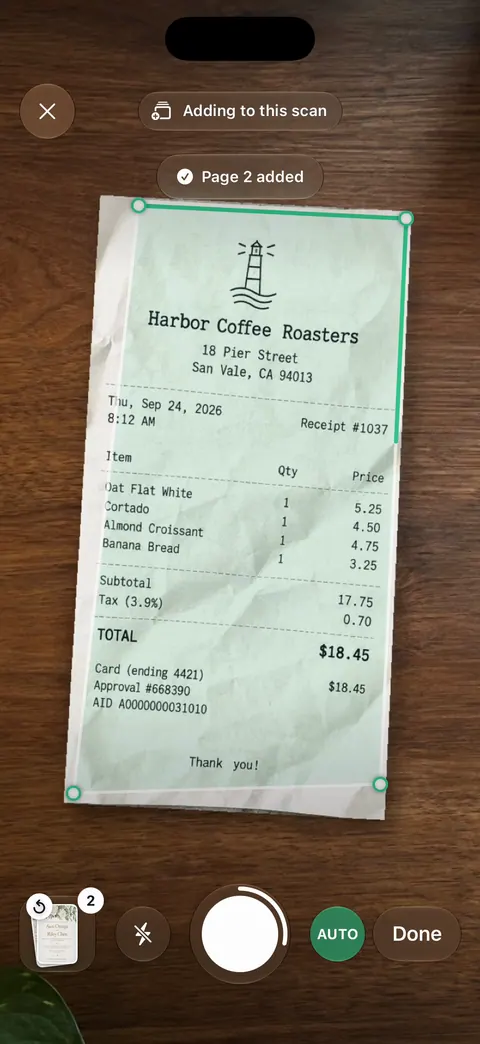
Scanner One finds the edges of the page automatically and corrects the perspective. ID cards and passports are scanned with both sides on one printable page. QR codes and barcodes are found on every page. Text recognition runs on every page for everyone, free or Pro. Then it reads the text, names the document, tags it and puts it in the right folder.
Pick this if
- You want to stop paying weekly: Notes, Genius Scan Basic, TurboScan Pro, or Scanner One Lifetime at $59.99 once.
- You need Android or the web: Genius Scan or Adobe Scan.
- You want no account at all: TurboScan Pro or Scanner One.
- You use the measuring and math tools: stay with Tiny Scanner.
Where Scanner One helps, and where it doesn’t
Where it helps someone leaving Tiny Scanner: Scanner One needs no account and does no tracking. Documents stay on your iPhone unless you share them or turn on iCloud Sync. Text recognition runs on every page for everyone, free or Pro. The PDF tools merge, split, compress, password-protect, add page numbers and watermarks, and extract text. Pro comes monthly, yearly with a free week, or once for life.
Where it doesn’t: Scanner One runs on iPhone and iPad. There is no Android app and no web version, and no measuring, counting or math mode. On a free account, pages you share, print or export carry a small “Scanned with Scanner One” label at the bottom right. Pro removes it. If that matters for what you send, Genius Scan Basic adds no watermark. Free accounts can run the PDF tools and the Word, Excel and CSV exports 3 times a week, from one shared allowance. Free accounts get smart filing for 10 documents a month. For other unmarked choices, see scanner apps that don’t mark your scans, and for one-time prices, scanner apps without a subscription.
Questions and answers
How much is Tiny Scanner Premium?
The US App Store lists Premium Plan Weekly at $4.99, $5.99 and $9.99, Monthly at $4.99 and $6.99, Yearly at $19.99 and $49.99, Premium Reward plans at $2.99 a month and $29.99 a year, and Upgrade to Tiny Scanner Plus at $4.99. The plan screen in the app shows which one applies to you.
How do I cancel Tiny Scanner?
Its App Store description says subscriptions renew automatically unless turned off at least 24 hours before the period ends, and that you manage them in your App Store account settings. Cancel there before you delete the app.
Is there a free alternative to Tiny Scanner?
Notes and Files scan for free. Genius Scan’s pricing page says Basic is free with no limit on documents and no watermark, though text recognition is in its paid Ultra plan.
Which alternative works on Android too?
Genius Scan and Adobe Scan are both on Google Play, and Tiny Scanner’s own site offers it on iOS and Android. Scanner One runs on iPhone and iPad.
Sources
What this page says about Scanner One was checked against the app on .
- Tiny Scanner on the App Store — in-app purchases, weekly and annual subscriptions, features, privacy label, iOS 15.0, version 8.16.8 of September 13; read 2026-11-13
- Tiny Scanner website — iOS and Android, real-time sync across phones, tablets and the web, web tools; read 2026-11-13
- The Grizzly Labs, Genius Scan pricing — Basic free with no document limit and no watermark, Ultra $39.99 a year; read 2026-11-13
- TurboScan Pro on the App Store — $12.99 paid app, Data Not Collected, iOS 13.0; read 2026-11-13
- Adobe Scan on the App Store — in-app purchases $3.99 to $69.99, OCR capacity 5 to 100 pages, Word export, privacy label, iOS 18.0; read 2026-11-13
- Genius Scan on Google Play — the Android version; read 2026-11-13
- Adobe Scan on Google Play — the Android version; read 2026-11-13
- Notes on the App Store — iCloud keeps notes in sync across your devices; read 2026-11-13
- Apple Support, Scan documents on your iPhone or iPad (article 108963) — the Notes and Files scanning steps; published February 13, 2026
- Scanner One on the App Store — the app’s own listing
Get Scanner One
Scanner One is free, with generous limits: scanning, clean PDFs and text search never stop.

Scanner OneScan, sign and ask anything
Scanner One is free, with generous limits: scanning, clean PDFs and text search never stop.