
01Scan
Point at paper. Get a clean PDF.
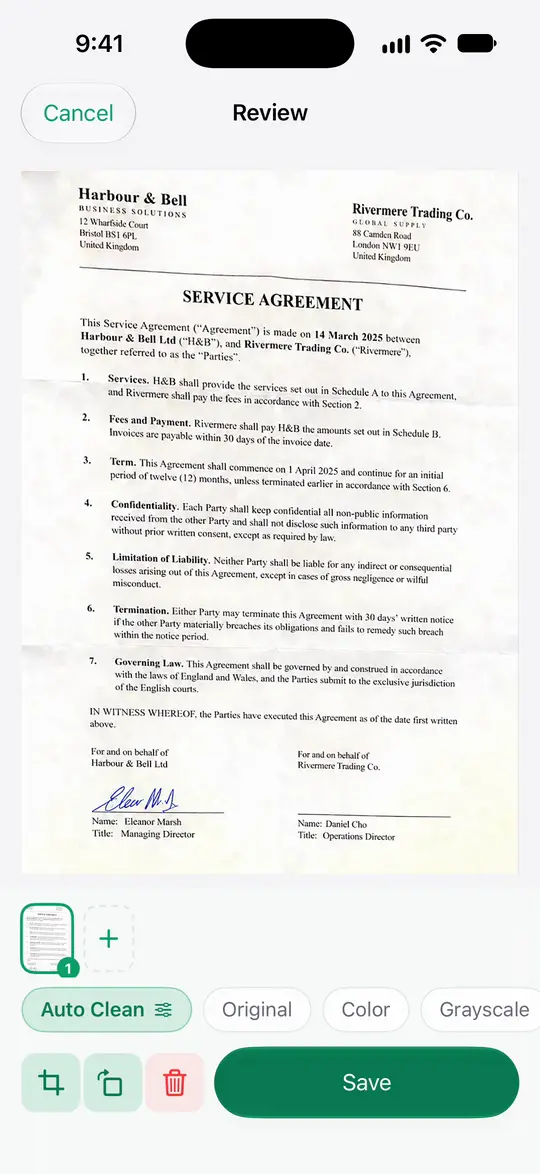
Scanner One finds the edges of the page automatically and corrects the perspective.
Scans come with Auto Clean, Color, Grayscale and Receipt filters.
A scan can have many pages, and you can reorder them.
 Scanner One
Scan, sign and ask anything.
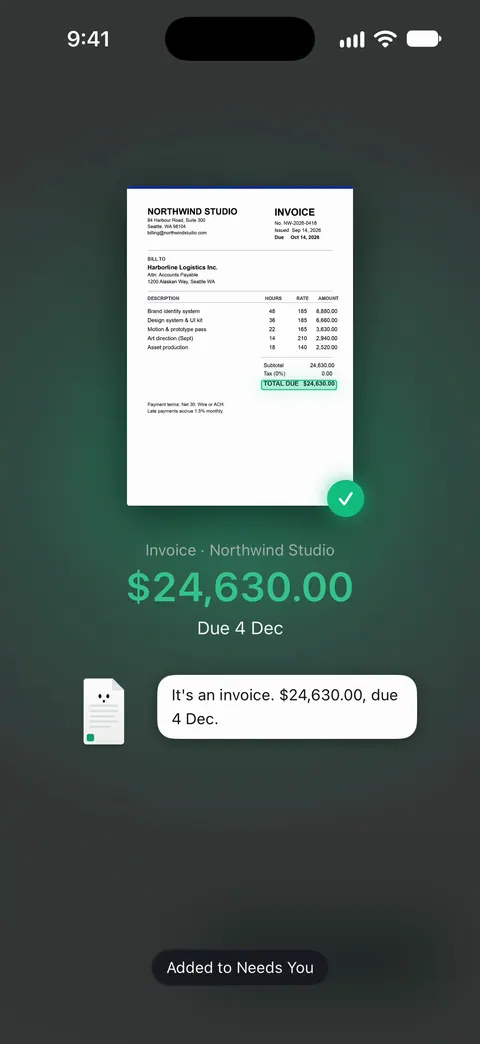
Point your camera at any piece of paper. Scanner One finds the edges, straightens the page, cleans it up and saves a real PDF. Then it reads the text, names the document, tags it and puts it in the right folder.

Filmed in the app with sample documents.
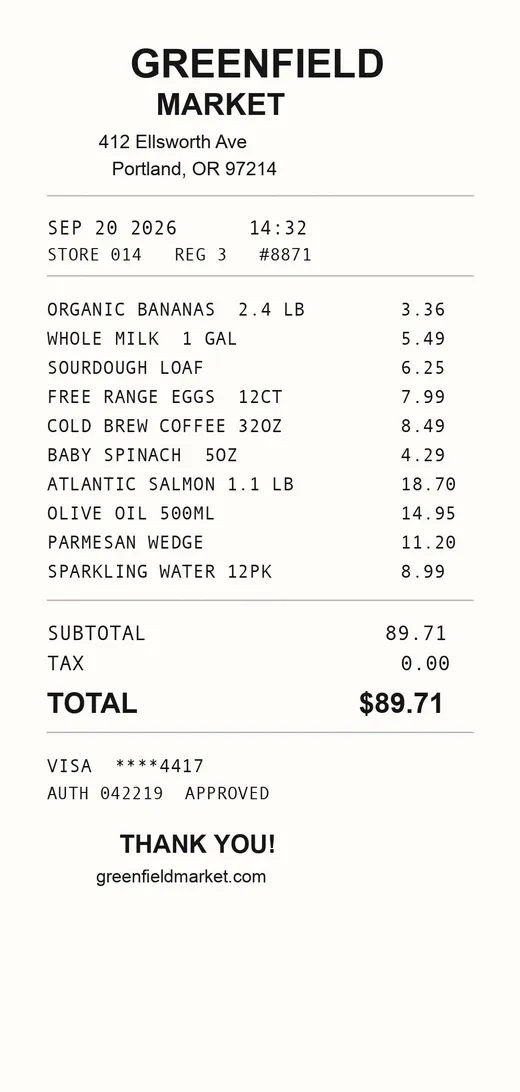
 Receipts
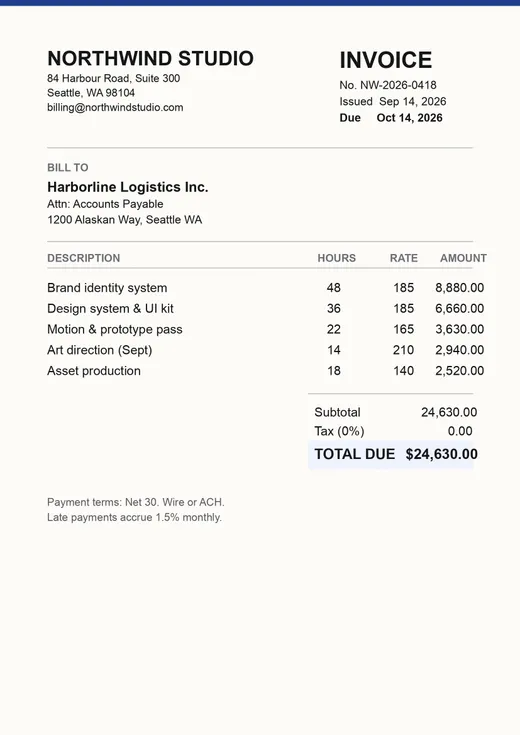
 Invoices
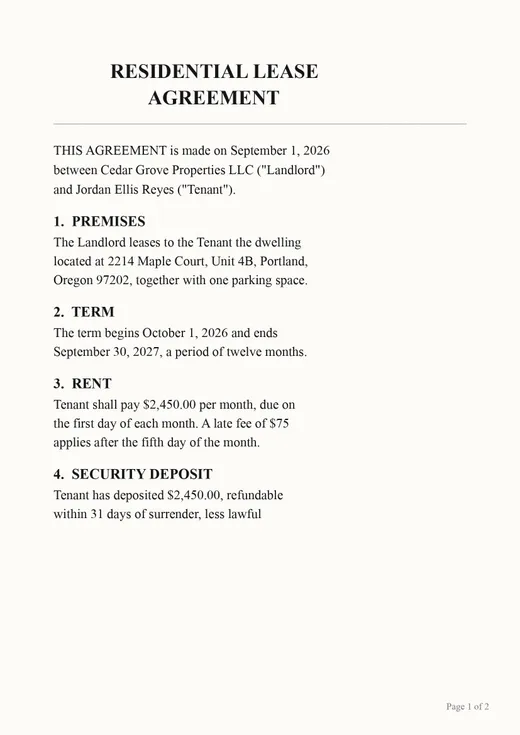
 Contracts
 Passports
 ID cards
 Business cards
 Forms
 Certificates
 Warranties
 Notes
 Letters
 PDFs
Four things you do with paper, each in a few taps. These are the real screens.
01Scan
Scanner One finds the edges of the page automatically and corrects the perspective.
Scans come with Auto Clean, Color, Grayscale and Receipt filters.
A scan can have many pages, and you can reorder them.
02Find
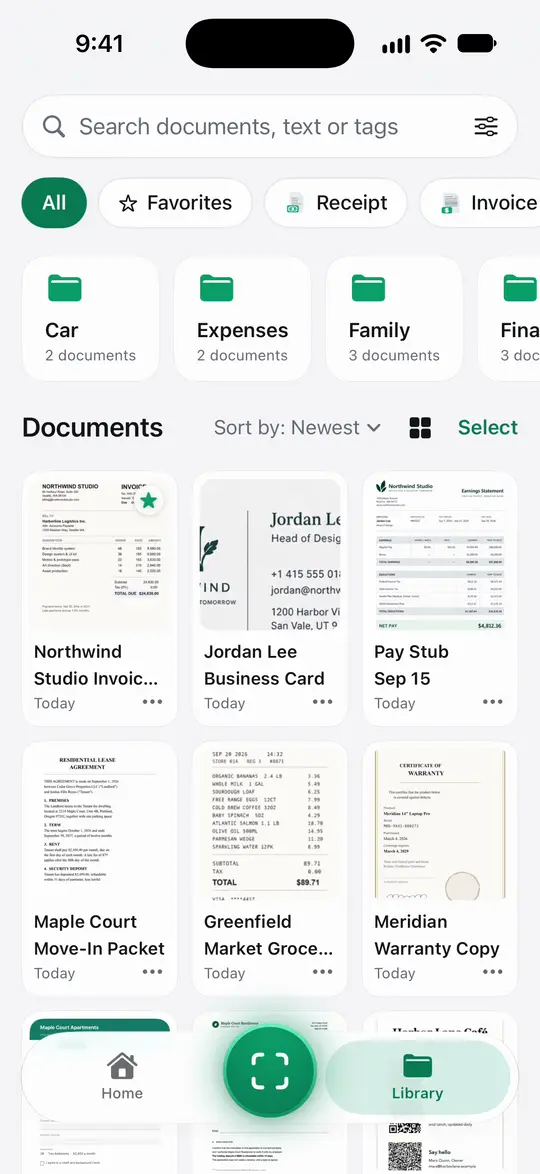
Text recognition runs on the device, in 29 languages.
Search looks inside the text of every document and shows the matching line and page.
03Sign
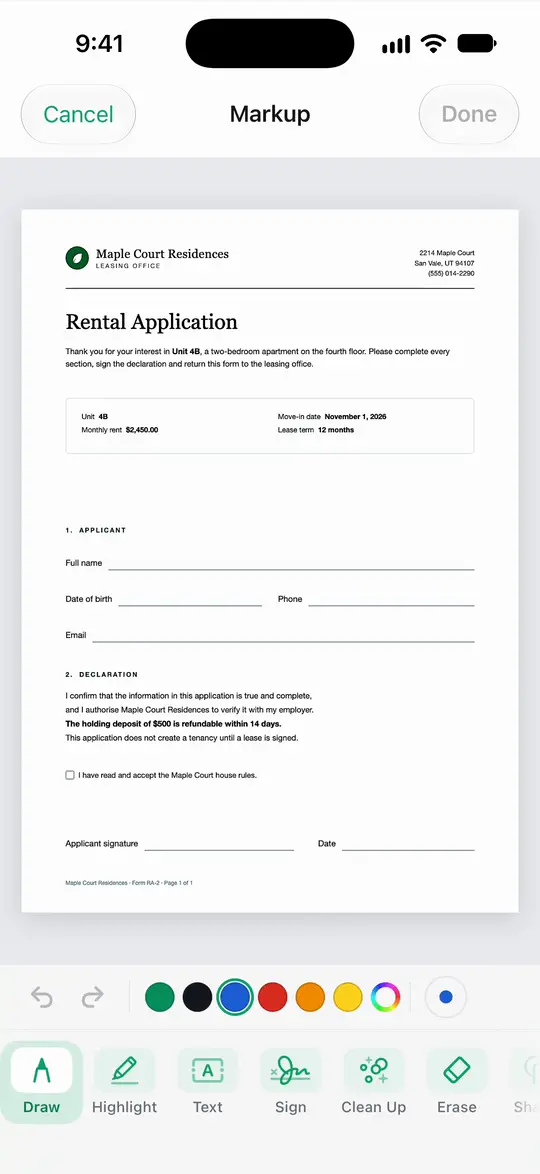
You can sign and annotate documents.
Fill Form lets you type into the fields of a PDF form.
Share & Export can also print a document or email it to you.
04Ask
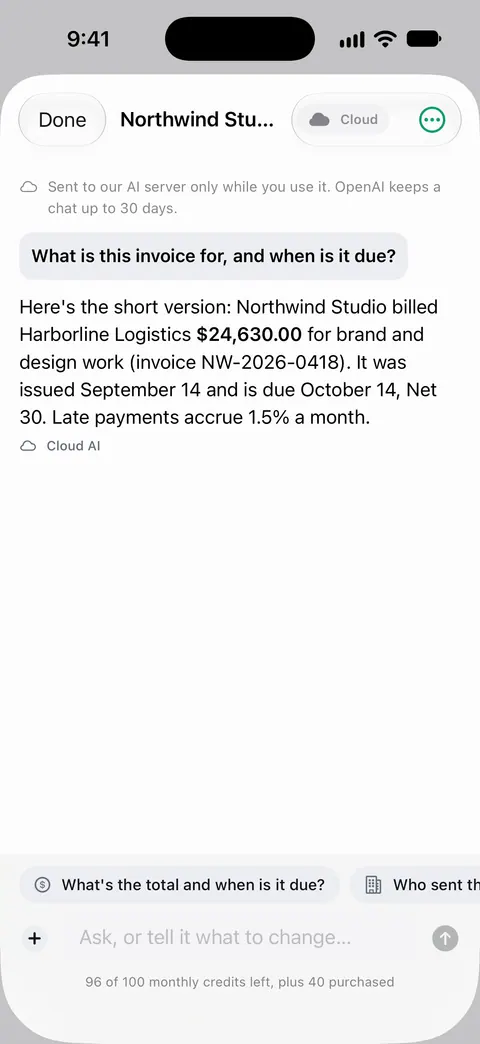
Ask your documents anything. When does the lease end? What did I spend at the shop? The answer comes back with the page it came from.
Cloud AI is off until you switch it on, and page images are a separate permission.
The PDF tools merge, split, compress, password-protect, add page numbers and watermarks, and extract text. Scanner One exports to Word, keeping headings, lists and tables, and to Excel and CSV.
 Merge Split
 Compress
 Password-protect Page numbers Watermark
 Word
 Excel and CSV
 Photos to PDF Sign Fill forms Redact
The To PDF tool turns files and photos into PDFs. Share & Export saves a document as a PDF, Word, Excel, PowerPoint, JPG, PNG, a long image, plain text, Markdown, Rich Text, a web page or CSV.
Other apps can send a file to Scanner One with Save to Scanner One in their share sheet.
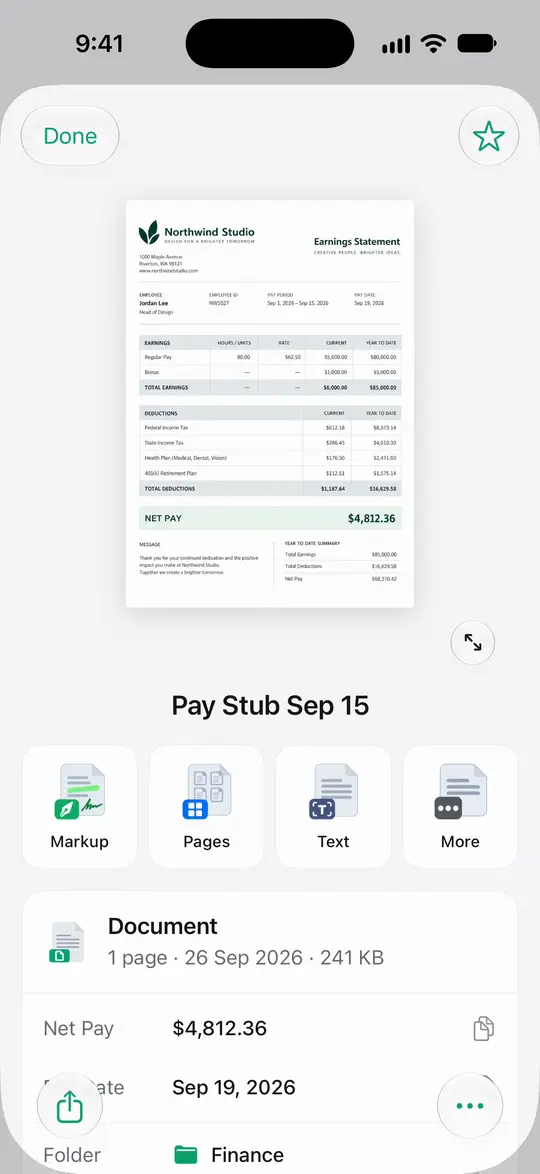
Redaction is permanent. A box drawn over text is not redaction: the words stay underneath.
Paper comes in every shape. Scanner One knows the usual ones.
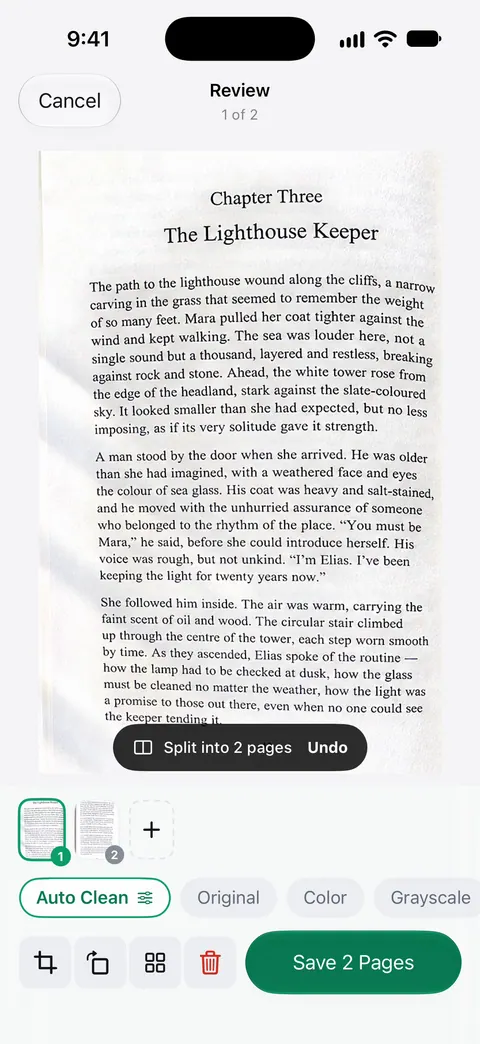
Book spreads are split into two pages and curved lines are flattened.
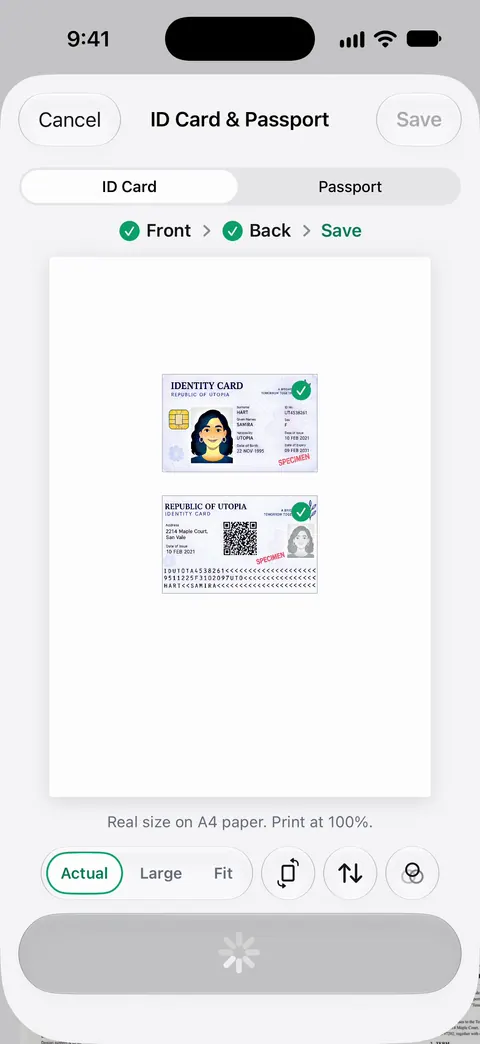
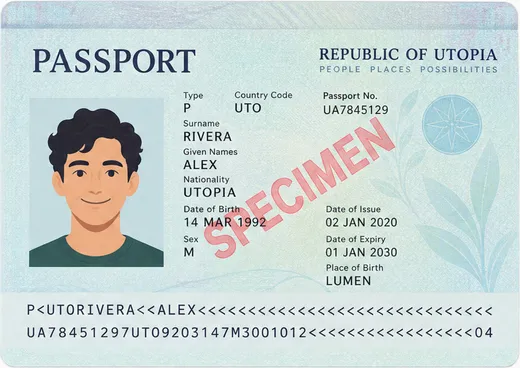
ID cards and passports are scanned with both sides on one printable page.
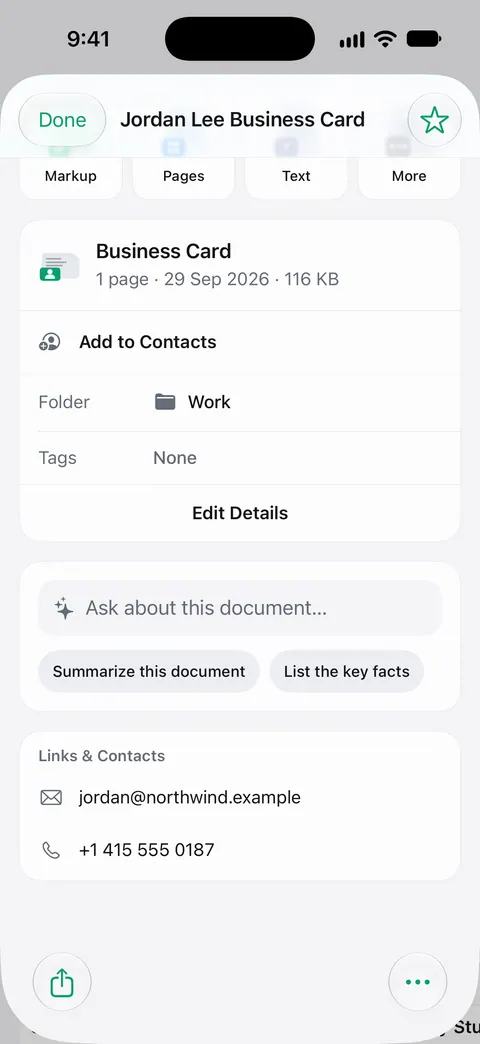
Business cards go straight to Contacts.
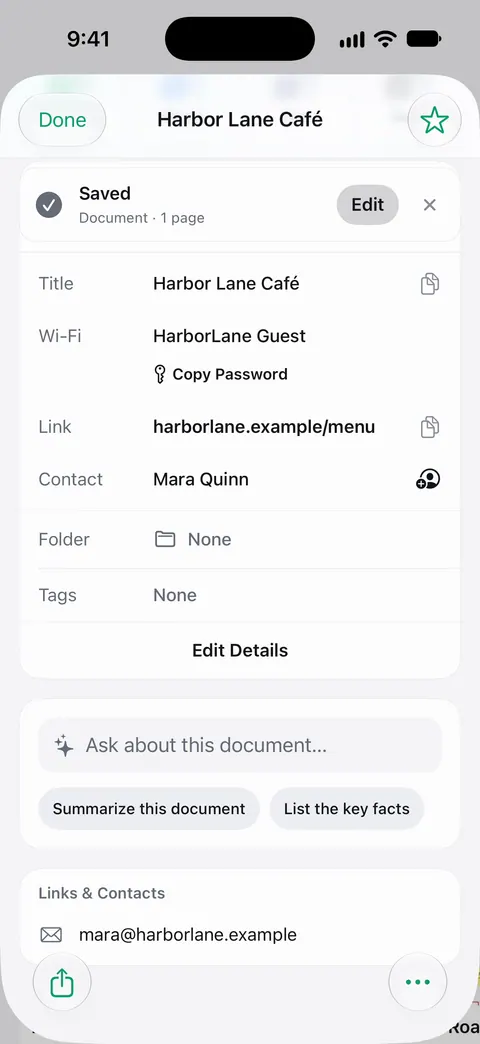
QR codes and barcodes are found on every page.
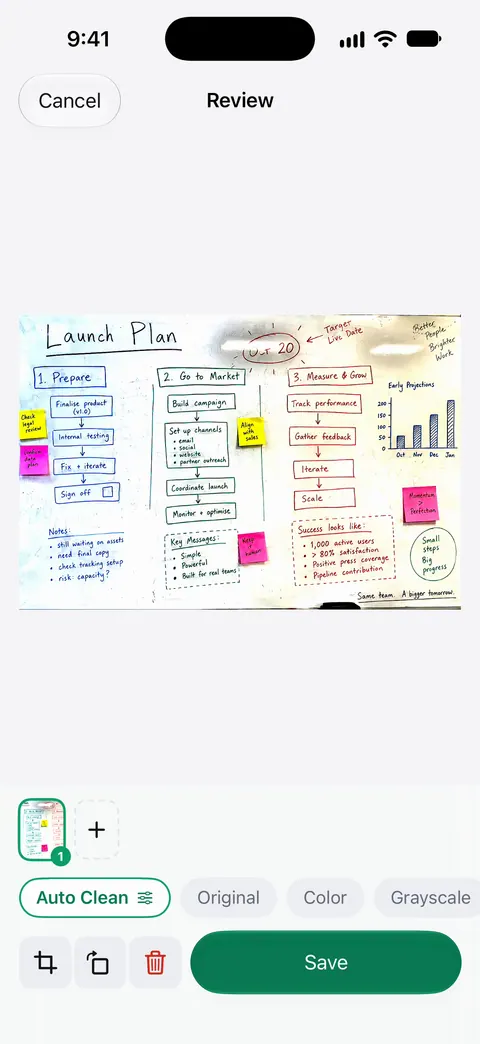
Whiteboards are cleaned automatically.
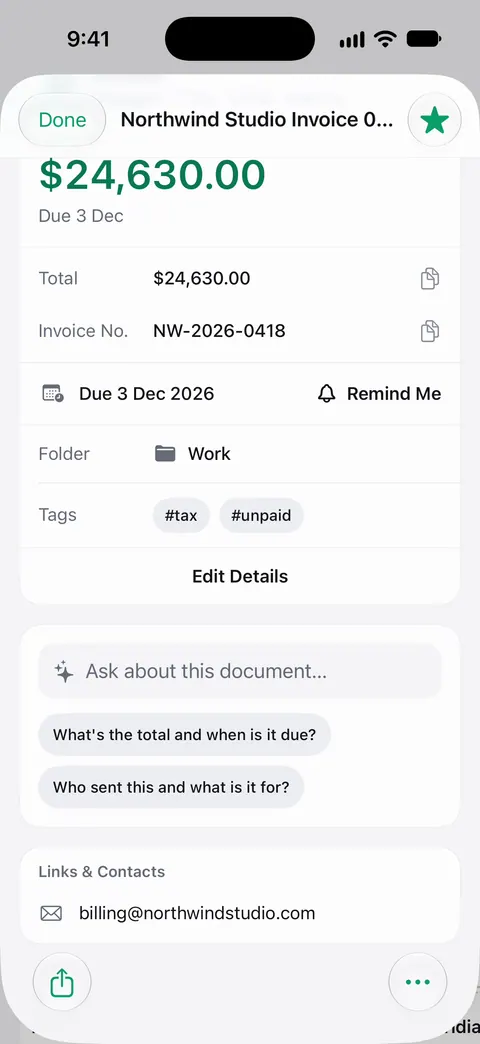
Then it reads the text, names the document, tags it and puts it in the right folder.
Your papers are the most personal files on your phone. Scanner One treats them that way.
Documents stay on your iPhone unless you share them or turn on iCloud Sync.
Cloud AI is off until you switch it on, and page images are a separate permission.
You can lock the app with Face ID.
Scanner One needs no account and does no tracking.
Scanner One is free, with generous limits: scanning, clean PDFs and text search never stop.
$0
| Scanning, clean PDFs, text search | Never stop |
|---|---|
| Smart filing | 10 documents a month |
| Sign and mark up | 3 documents a month |
| Clean Up, the smart eraser | 3 documents a month |
| PDF tools and Office exports | 3 a week |
| Questions to the on-device AI | 3 questions a day |
On a free account, pages you share, print or export carry a small "Scanned with Scanner One" label at the bottom right. Pro removes it.
Pro
$29.99 a year
Starts with a free week. Or $4.99 a month, or $59.99 once for life.
US prices. Your App Store shows the price where you live before you pay. Subscriptions renew automatically and you can cancel anytime.
Plain guides and checklists for the paperwork in your life, whether or not you use the app.
Scanner One is free, with generous limits: scanning, clean PDFs and text search never stop. Pro removes every limit. Pro comes monthly, yearly with a free week, or once for life.
Scanner One is free, with generous limits: scanning, clean PDFs and text search never stop. Each month you get smart filing for 10 documents a month, signing and markup for 3 documents a month and Clean Up for 3 documents a month. The PDF tools and Office exports run 3 a week, and you can ask the on-device AI 3 questions a day.
Documents stay on your iPhone unless you share them or turn on iCloud Sync. Cloud AI is off until you switch it on, and page images are a separate permission. Scanner One needs no account and does no tracking.
In the US, Pro is $4.99 a month, $29.99 a year with a free week to start, or $59.99 once for life. Prices differ by country, and the App Store shows yours before you pay. Subscriptions renew automatically and you can cancel anytime.
On a free account, pages you share, print or export carry a small "Scanned with Scanner One" label at the bottom right. Pro removes it.
Text recognition runs on the device, in 29 languages. Search looks inside the text of every document and shows the matching line and page.
Scanner One runs on iPhone and iPad. Scanner One needs iOS 17 or later. Scanner One is available in 34 languages, including English, Spanish, Portuguese, French, German, Italian, Dutch, Swedish, Danish, Norwegian, Finnish, Polish, Czech, Greek, Ukrainian, Russian, Turkish, Arabic, Hebrew, Hindi, Thai, Vietnamese, Indonesian, Japanese, Korean and Chinese.
Scanner One is free, with generous limits: scanning, clean PDFs and text search never stop.