
Template
Printable emergency binder checklist
Print the checklist below, put it at the front of a binder, and tick 3 boxes for each paper: copy in the binder, scanned, and where the original is kept. It follows the FEMA and Operation HOPE Emergency Financial First Aid Kit: household identification, financial and legal papers, medical information and key contacts. Keep the binder in a fireproof and waterproof box or with someone you trust, keep a password-protected digital copy, and review it at tax time or when life changes.

This is the printable sheet. The emergency document binder checklist explains each paper in detail, why it matters and how to replace one you are missing; this page is the version you print, put at the front of the binder and tick off.
How to use this checklist
For each paper, fill in 3 things:
- Copy: a copy is in the binder.
- Scan: a digital copy exists, in a locked app or a password-protected file.
- Original at: where the original is (“fire box”, “bank box”, “Mom’s house”).
Print this page from your browser, or choose to save it as a PDF from the print screen. Write a date at the top each time you review it.
The groups follow the Emergency Financial First Aid Kit (EFFAK), a joint publication of FEMA and Operation HOPE.
1. Household identification
Reviewed on: [Date]
For each person in the household: [Name]
- Driver’s license or state ID. Copy / Scan / Original at: [Place]
- Passport. Copy / Scan / Original at: [Place]
- Birth certificate. Copy / Scan / Original at: [Place]
- Social Security card. Copy / Scan / Original at: [Place]
- Marriage, divorce or adoption papers. Copy / Scan / Original at: [Place]
- Military service records. Copy / Scan / Original at: [Place]
- Immigration papers or green card. Copy / Scan / Original at: [Place]
- Pet ID, vaccination and microchip records. Copy / Scan / Original at: [Place]
- A recent photo of each family member and pet
2. Financial and legal documents
- Lease, or mortgage and deed. Copy / Scan / Original at: [Place]
- Homeowners or renters insurance policy. Copy / Scan / Original at: [Place]
- Car titles, registrations and auto insurance. Copy / Scan / Original at: [Place]
- Life insurance policies. Copy / Scan / Original at: [Place]
- Recent pay stubs, or benefit letters. Copy / Scan
- Last 2 years of tax returns. Copy / Scan / Original at: [Place]
- Bank, credit card and loan account list: institution, last 4 digits, phone. Copy / Scan
- Will or trust. Copy / Scan / Original at: [Place]
- Powers of attorney. Copy / Scan / Original at: [Place]
- Home inventory, with photos. Copy / Scan
- Some cash, kept with the binder
3. Medical information
For each person:
- Health insurance cards, front and back. Copy / Scan
- Medication list, with doses and pharmacy. Copy / Scan
- Allergies and conditions. Copy / Scan
- Immunization records. Copy / Scan
- Doctors’ names and phone numbers. Copy / Scan
- Living will or advance directive. Copy / Scan / Original at: [Place]
- Glasses or contact lens prescription. Copy / Scan
4. Key contacts
Out-of-area emergency contact: [Name and phone]
Local meeting place: [Place]
Insurance agent: [Name and phone]
Bank or credit union: [Name and phone]
Doctor and pharmacy: [Names and phones]
Employer: [Name and phone]
Landlord or mortgage servicer: [Name and phone]
School or child care: [Name and phone]
Place of worship or community contact: [Name and phone]
Where to keep the binder
The EFFAK suggests storing paper copies at home in a fireproof and waterproof box or safe, in a bank safe deposit box, or with a trusted friend or relative, and keeping electronic copies in a password-protected format on a removable drive in that box, or with a secure offsite storage service. Ready.gov adds the cloud as an option. If you use a safe deposit box, the kit suggests asking your bank who can open it if you die or are too ill to go yourself.
Keep the binder where you could grab it in a minute. For what to have on your phone when you leave in a hurry, see evacuation documents on your phone.
When to review it
The EFFAK’s suggested review times: at tax time, when the clocks change, around your birthday, or at the start of the year. Update it at once when you change insurers, move, buy or rent a home, open or close a bank account, marry or divorce, have a child, change schools, plan retirement, or lose someone in the household.
Where Scanner One helps, and where it doesn’t
The binder is paper, and that is the point: it works with no battery. Scanner One doesn’t replace it, and Notes can scan the copies for free.
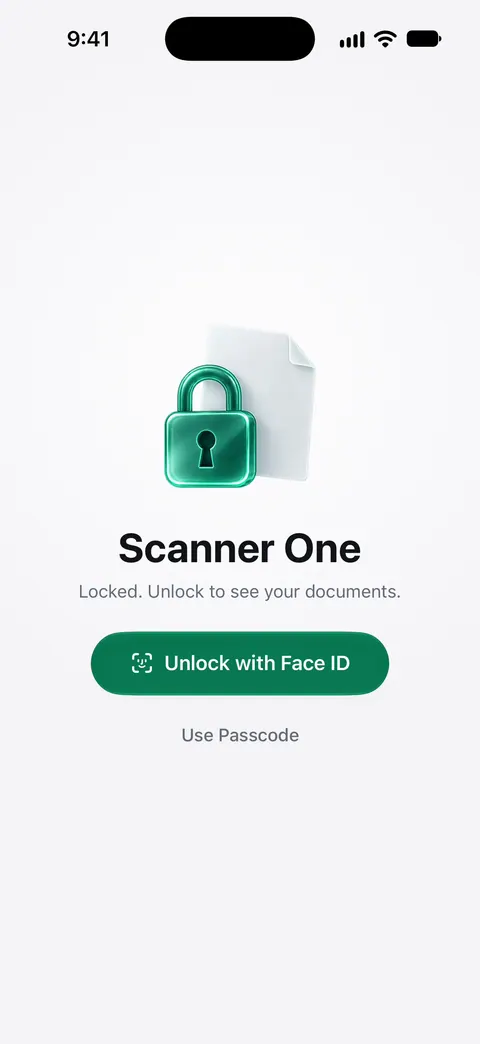
It helps with the “Scan” column. A scan can have many pages, and you can reorder them. ID cards and passports are scanned with both sides on one printable page. Scan each group into its own document so it is easy to send one part to an insurer. You can lock the app with Face ID. Documents stay on your iPhone unless you share them or turn on iCloud Sync.
The limits, plainly:
- On a free account, pages you share, print or export carry a small “Scanned with Scanner One” label at the bottom right. Pro removes it. Printed copies from a free account carry it.
- For a password-protected file to give someone, the PDF tools add one: The PDF tools merge, split, compress, password-protect, add page numbers and watermarks, and extract text. Free accounts can run the PDF tools and the Word, Excel and CSV exports 3 times a week, from one shared allowance.
- A copy on the same phone you might lose in a disaster is not a backup. See lock documents with Face ID and keep a second copy elsewhere.
More printables are in templates.
Questions and answers
What goes in a family emergency binder?
Copies of IDs for everyone in the household, insurance policies, bank and loan details, medical information and medication lists, legal papers such as wills and powers of attorney, and a page of key contacts. Ready.gov groups them as household identification, financial and legal, medical, and contacts.
Should I put originals in the binder?
Usually copies, with the originals in a fireproof and waterproof box or a safe deposit box. The checklist has a column for where each original lives, so you can grab it if you need to leave.
How often should I update my emergency binder?
The Emergency Financial First Aid Kit suggests reviewing it at tax time, around your birthday or at the start of the year, and updating it at once after a move, a new bank account, a new insurer, a marriage, a baby or a death in the household.
Is a digital copy enough?
Keep both. Paper works with no battery or signal; a digital copy survives if the binder doesn’t. The kit suggests storing electronic copies in a password-protected format.
Sources
What this page says about Scanner One was checked against the app on .
- FEMA and Operation HOPE, Emergency Financial First Aid Kit (PDF, September 2019) — the 4 groups of records, storing paper copies in a fireproof and waterproof box or with someone trusted, password-protected electronic copies, and when to review; edition dated September 2019
- Ready.gov, Financial preparedness — the documents to gather by group, and storing them in a safe deposit box, on an external drive or in the cloud; updated 2026-03-13
- Scanner One on the App Store — the app’s own listing: multi-page scans, Face ID lock
Get Scanner One
Scanner One is free, with generous limits: scanning, clean PDFs and text search never stop.

Scanner OneScan, sign and ask anything
Scanner One is free, with generous limits: scanning, clean PDFs and text search never stop.